A guided look inside
Keep your next step close.
These are screenshots from Yukitabi. Your personal Fieldbook, checklist progress and notes live in the iOS app.
01 · Touch down
From the airport to the city.
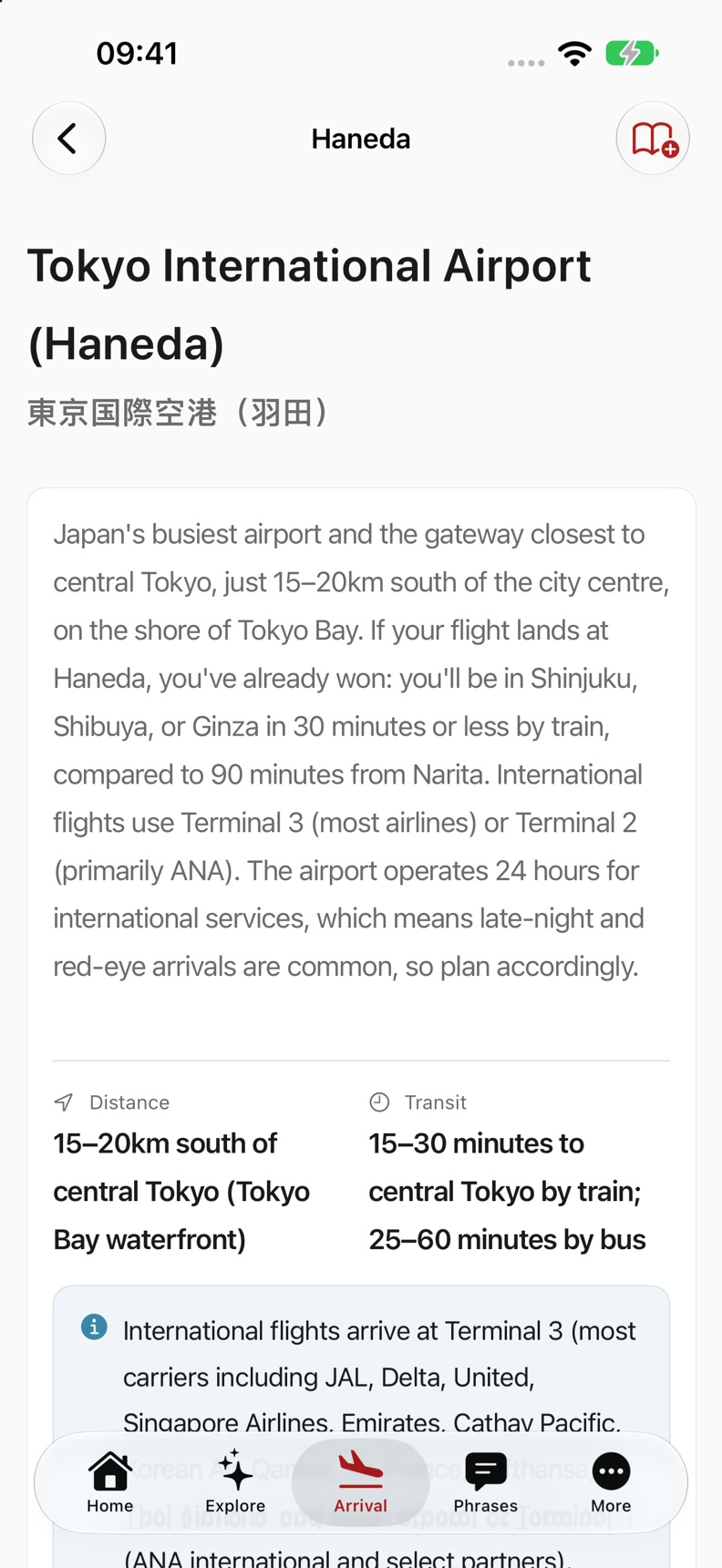
Open arrival help for Haneda, Narita or Kansai. Follow the bundled guide and check off each step as you go.
Guidance works offline. Check transport operators for current service, timetable and fare changes.
02 · Save a travel moment
Your guide and Japanese words, together.
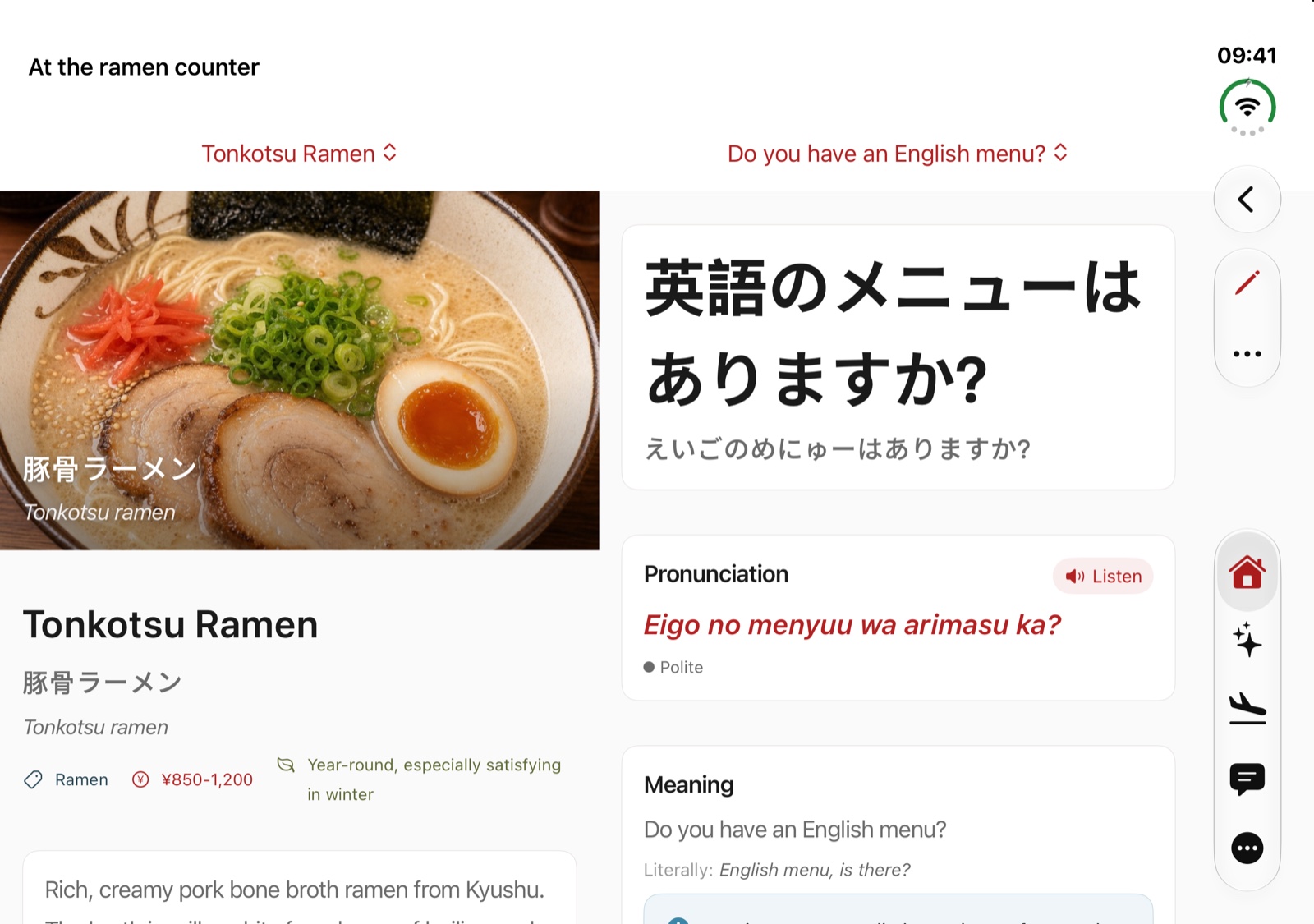
Create a Fieldbook page, save entries from the guide, arrange them and add a private note. On a wider display, place a phrase or checklist beside the guide. Your page stays available offline.

03 · Find the words
A clear card to show staff.
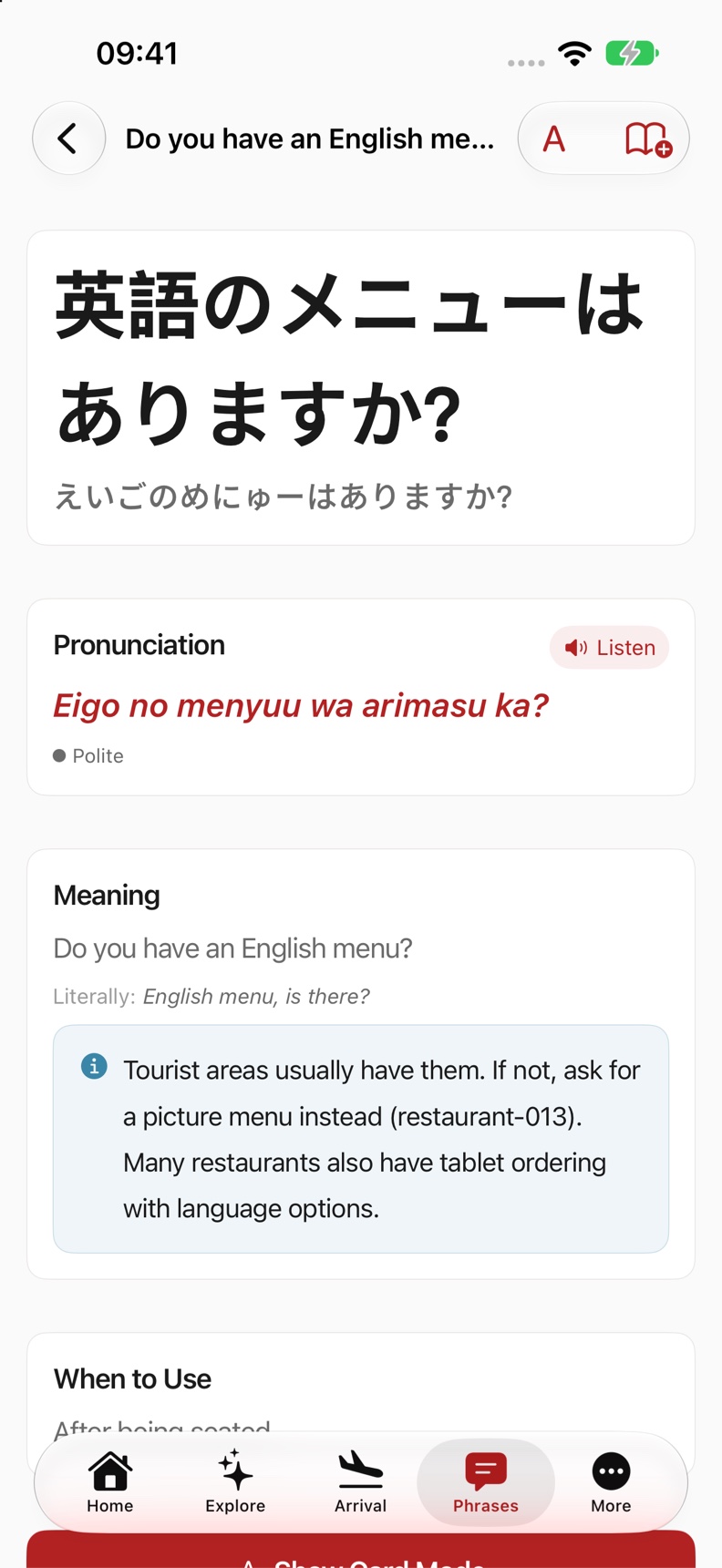
Read vetted Japanese, see romaji and play speech. Open a large show card with an explicit Close control. Build an allergy or dietary card from reviewed phrases.
Cards communicate your needs; they cannot establish whether a dish is safe for you.
04 · A quicker route
Open travel help with Siri.
- “Open arrival help in Yukitabi.”
- “Open my Fieldbook in Yukitabi.”
- “Trip countdown in Yukitabi.”
- “What is left to pack in Yukitabi?”
App Shortcuts let you choose the airport, phrase or page. iOS 27 adds Siri AI search and opening when available in your language and region. Siri AI initially launches in English and is unavailable on iOS in the EU.
Optional on-device Fieldbook assistance suggests reviewed entries from your saved page. A selected menu photo can supply text for search; the app does not upload your photo to a Yukitabi service. Manual search remains available.
Take the guide with you.
iPhone and iPad. Core guidance works offline on iOS 17 or later. AI features require a supported device and an available model.